 PHOTOARENA
◈ CAMERA / LAB
The camera comparison project
Two cameras.
One perspective.
Motorola Razr Fold vs Samsung Galaxy Z Fold 8
A closer look at image quality, detail and color. Explore real photographs from both smartphones, reveal the differences with a drag, and zoom in to see what matters.
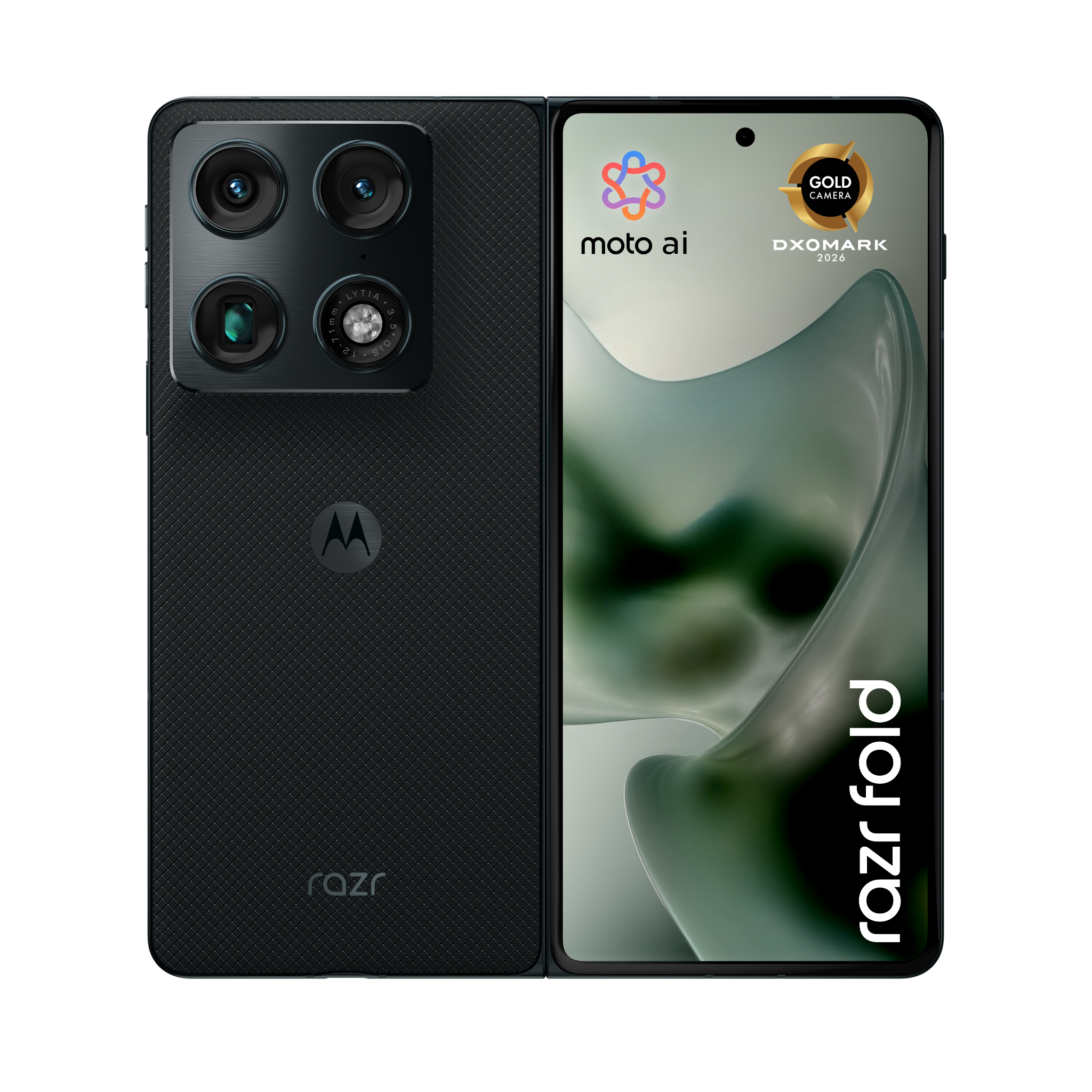 Motorola Razr Fold
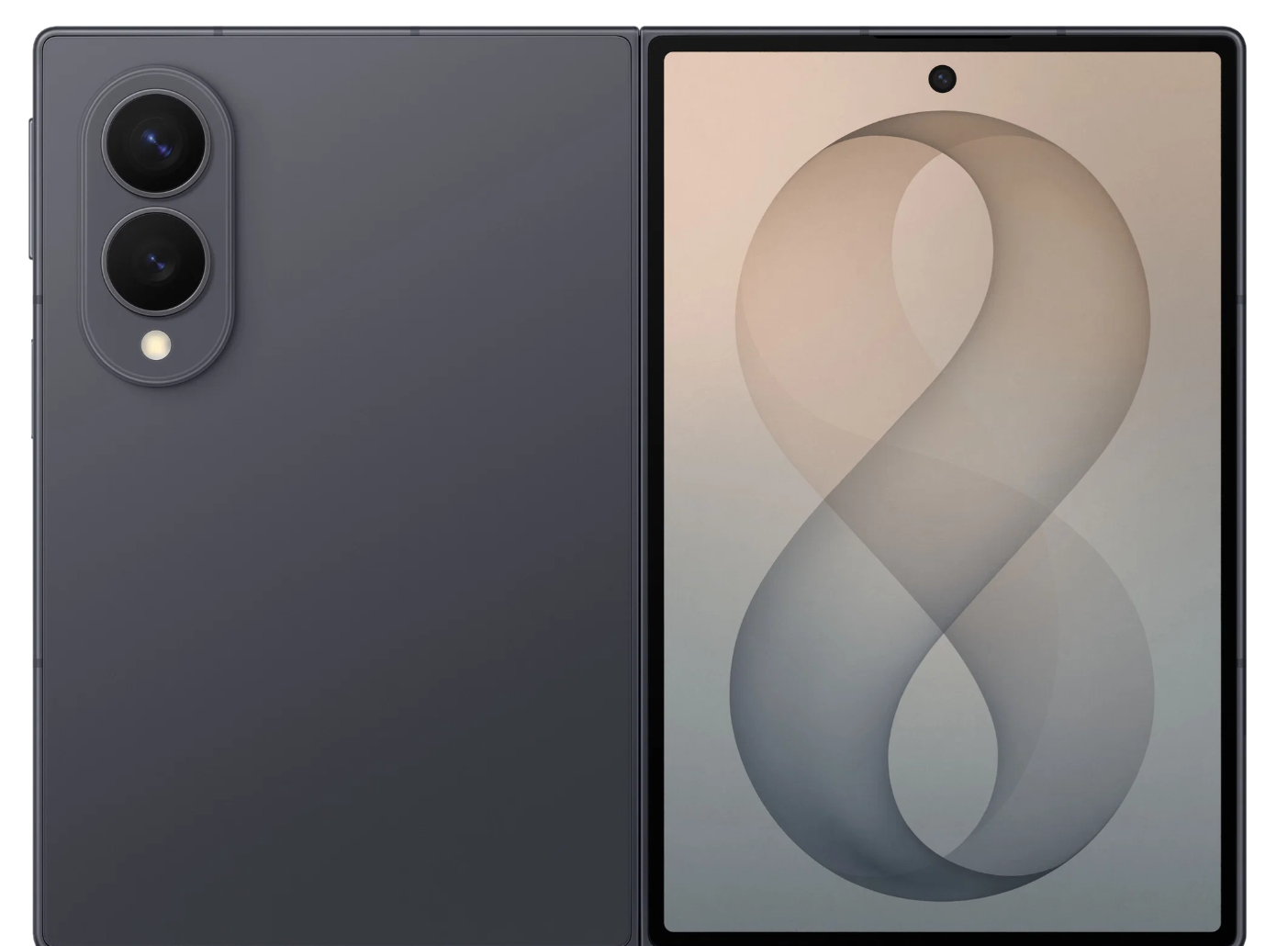 Samsung Galaxy Z Fold 8
Camera specifications
| Motorola Razr Fold | Samsung Galaxy Z Fold 8 |
|---|
How to compare: Drag the divider to switch between cameras. Use Zoom to magnify both images together, and Pan to explore details. Full screen gives you a distraction-free view. Tip: hold Shift and drag to pan both photos together when zoomed in. Use the mouse wheel to scroll naturally, including when the pointer is over an image. Use the Zoom slider to magnify photographs. Full-resolution originals load when you zoom or enter full screen; initial previews load faster. For best results, shoot each scene from the same location and framing. For published comparisons, prepare Samsung HEIC files using CONVERT-IPHONE-HEIC.cmd in the website folder, then add the generated JPGs to the photos folder. The original HEICs can be kept in photos/originals. The JPEG preview may not reproduce all HDR characteristics.